1You have run QuickBooks Desktop for years
Every customer, supplier, invoice, payment and stock movement since the first day is in your company file. It tells you where your profit comes from, who pays on time and what sells.
Sales, purchases, stock, banking, payroll and live reports for every branch and every user, kept in step with your QuickBooks company file. No hosting, no remote desktop, no migration: your file stays on your own computer.


You want what new software offers, but your company's whole story is in that QuickBooks file. Here is the choice most businesses are given, and the one we built instead.
1Every customer, supplier, invoice, payment and stock movement since the first day is in your company file. It tells you where your profit comes from, who pays on time and what sells.
2A new ERP takes your opening balances and leaves the rest behind: past statements, year-on-year trends, the history behind every balance. Your team relearns everything, and you bet the business on a vendor you have just met.
3Your company file and all its years stay where they are. Tenadd puts a modern web application on top of it, with features QuickBooks Desktop never had, and everything you do flows back into the same file.
The same complaints come up on forums, in reviews and in accountants' guides. Each one has an answer in Tenadd.

Our QuickBooks lives on one office computer.Every branch works in the browser.

Multi-user mode keeps breaking.Your team never opens the company file.

Not everyone needs the whole accounting program.Each person gets simple screens for their job.

Our sales people are never at that computer.Orders and stock from a phone.


Your books are in QuickBooks Desktop and your accountant knows it inside out. But your people sell in different branches, check stock on the shop floor and need answers away from the office. Tenadd gives each of them the screens they need, in the browser, without moving the company file.
Every screen your team uses daily, built around the way QuickBooks Desktop already works, so nobody has to learn accounting again.

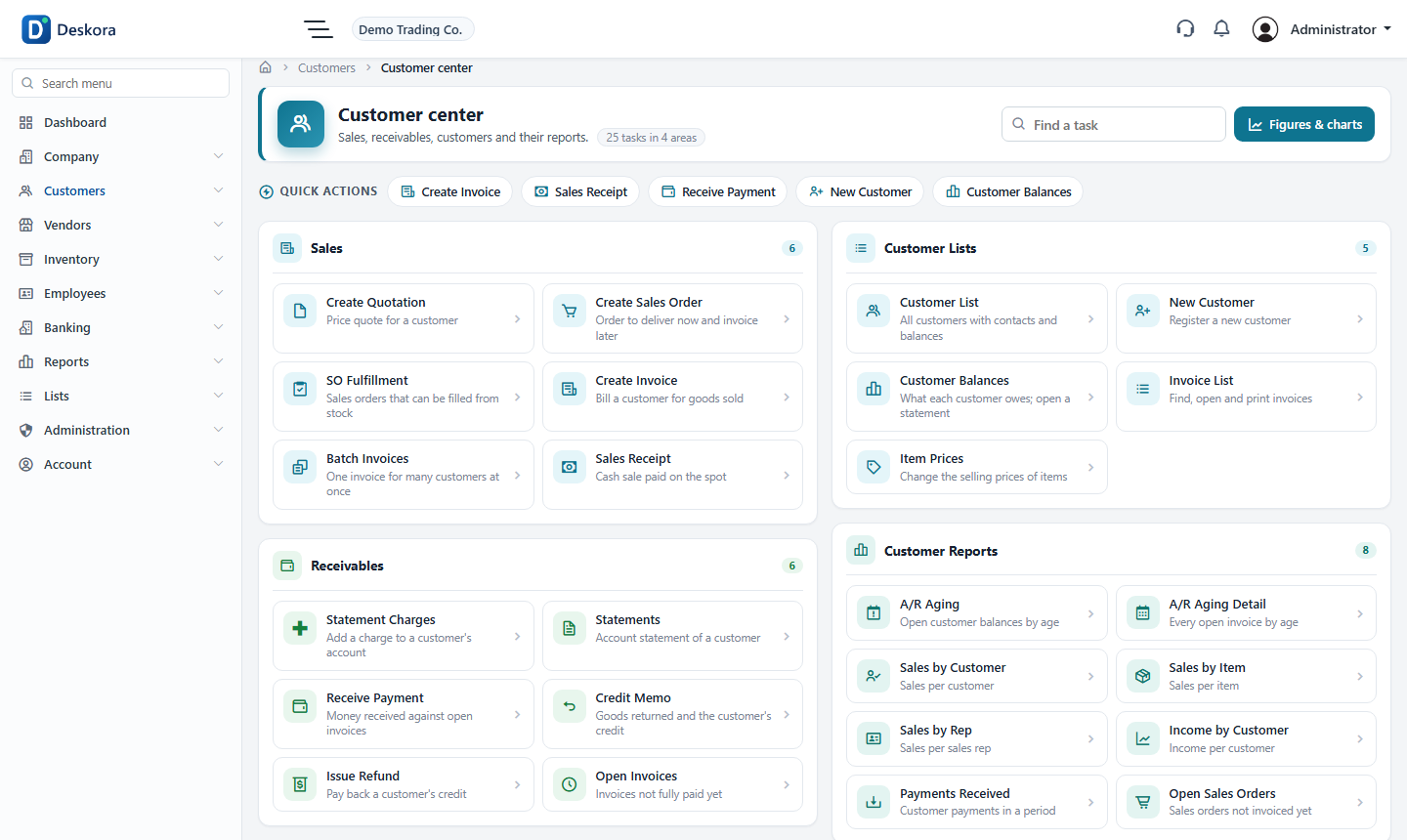
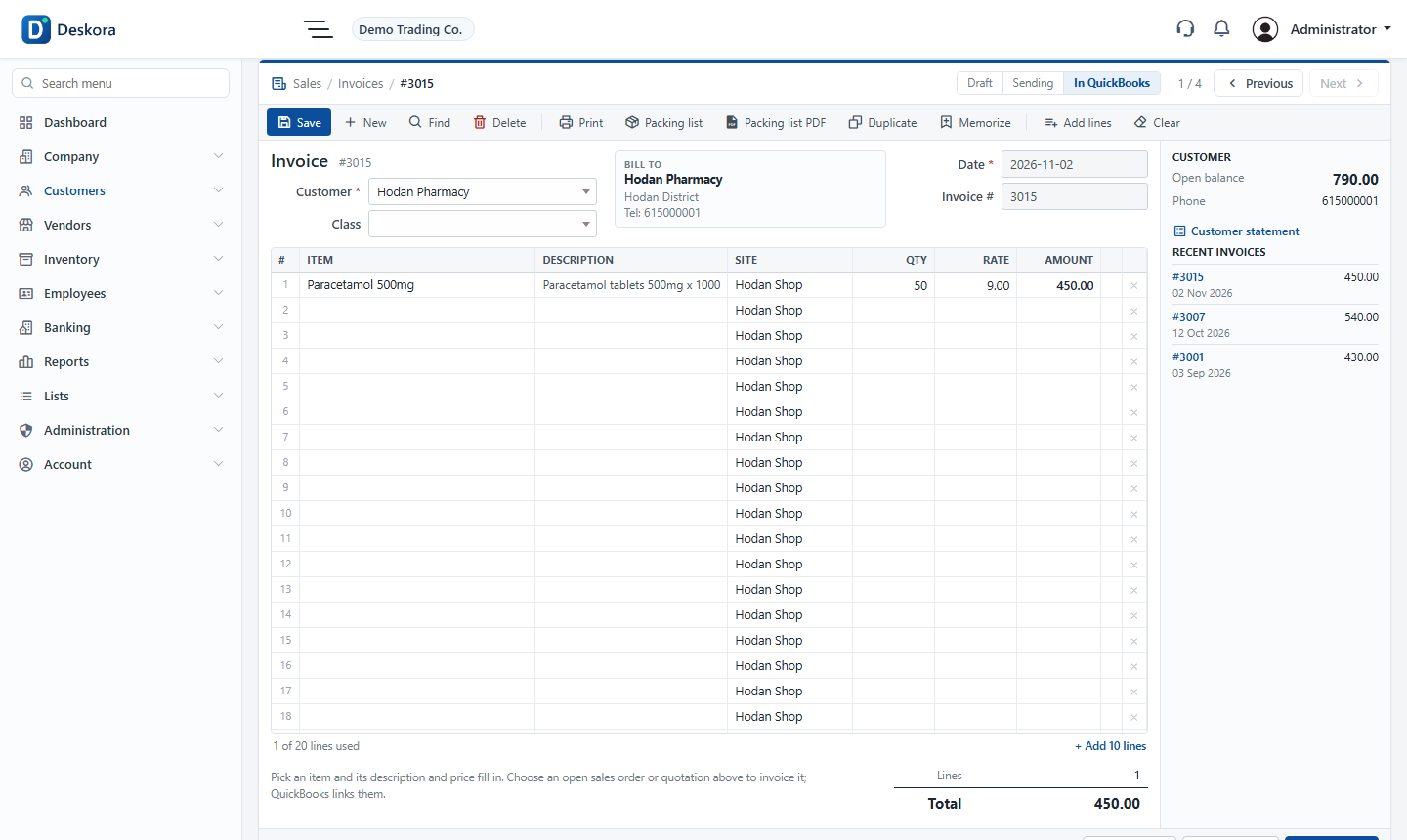
Quotations, sales orders, invoices, sales receipts, returns and payments, with the customer's balance in view while you type. Every document prints with your logo, address and VAT.


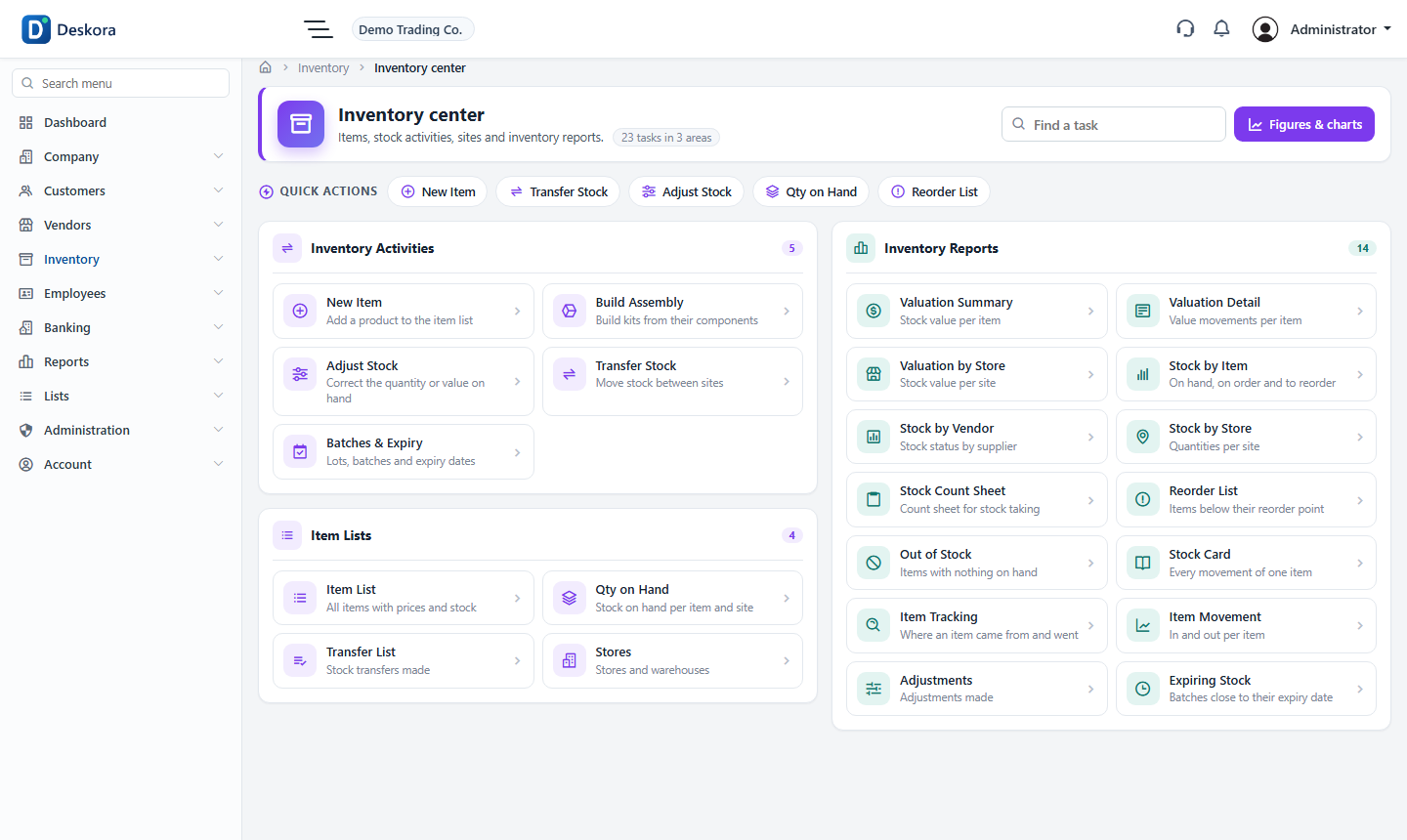
Quantity on hand by site and branch, transfers between sites, adjustments, assemblies and valuation. Answer "is it in stock?" from the shop floor, on a phone.


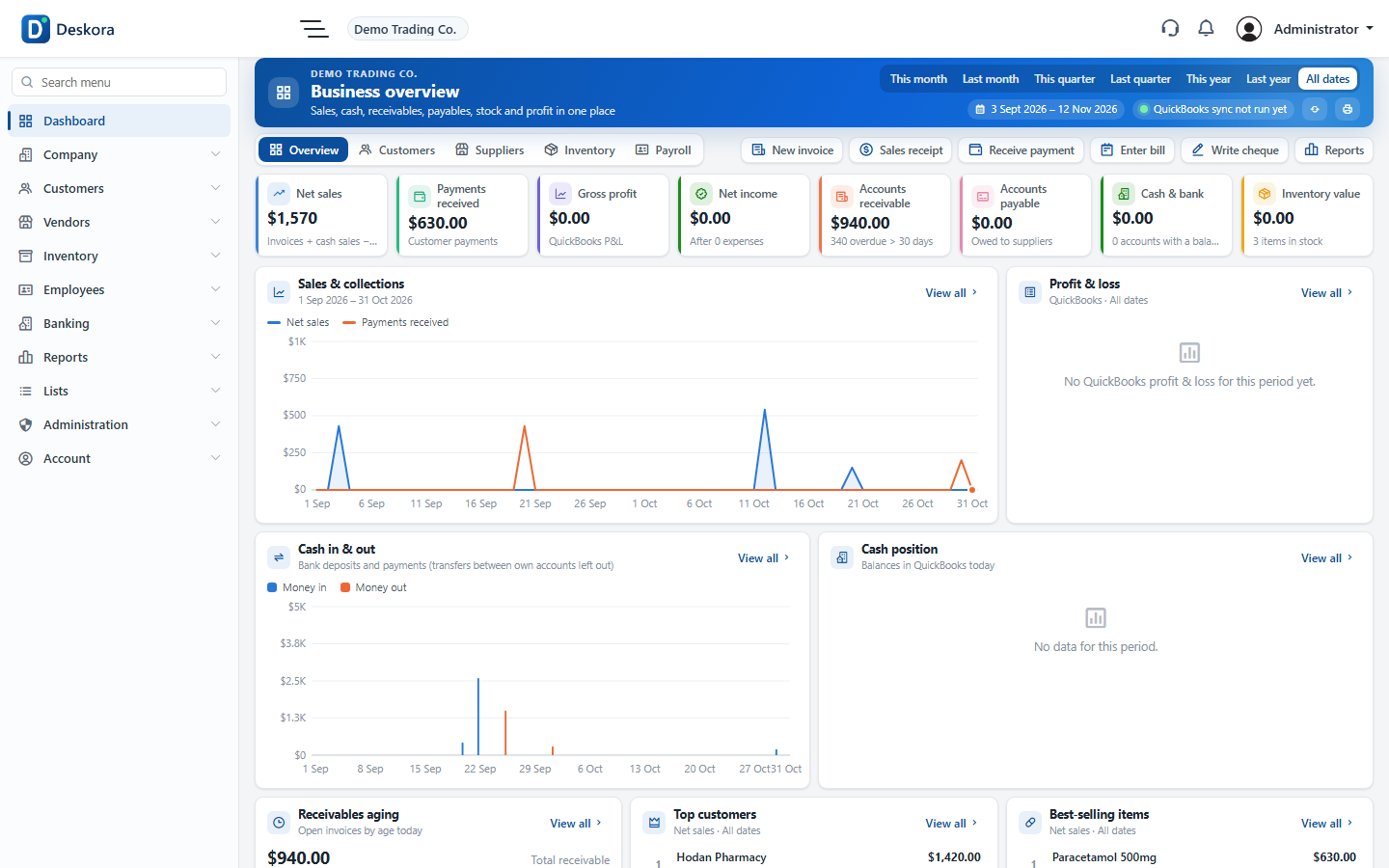
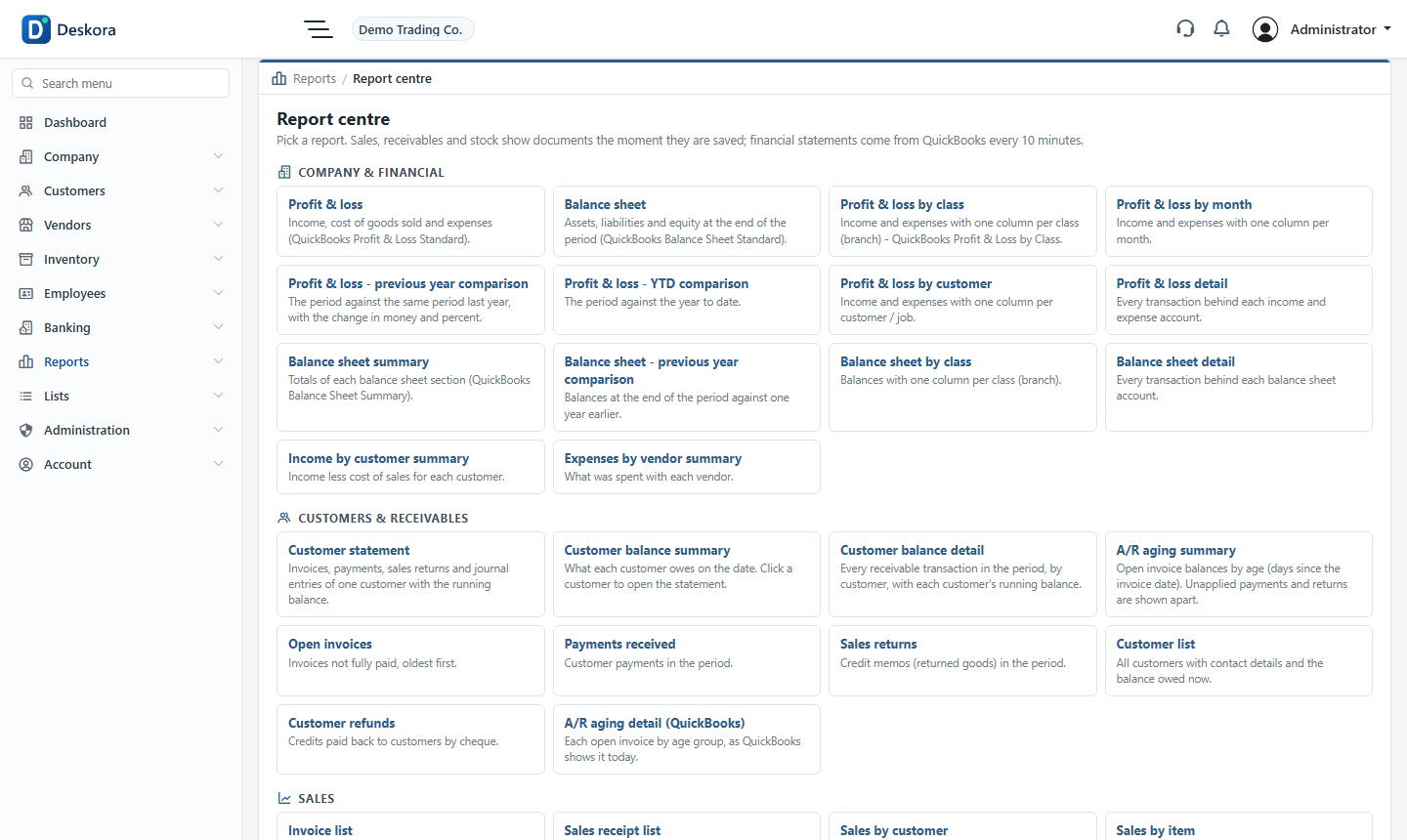
Sales, cash, receivables, payables and stock dashboards, plus profit & loss, balance sheet, trial balance and aging reports straight from QuickBooks.
Purchase orders, bills, bill payments and vendor credits, with supplier balances up to date.
Cheques, deposits, transfers and card charges, checked against QuickBooks balances.
Employees, pay runs and payslips, kept with the rest of the business.
Cashier, store keeper, branch manager: each role opens only its screens.
Most cloud options ask you to hand over your company file or convert it. We don't. QuickBooks Desktop stays the master, on your own computer.

The QuickBooks company file never leaves your computer or server. The web follows it.
Read-only from day one. Writing to QuickBooks needs your switch on the web and on the QuickBooks computer.
Each role opens only its screens; the server checks every page.
Stop at the end of a period. Nothing to move back, nothing lost.
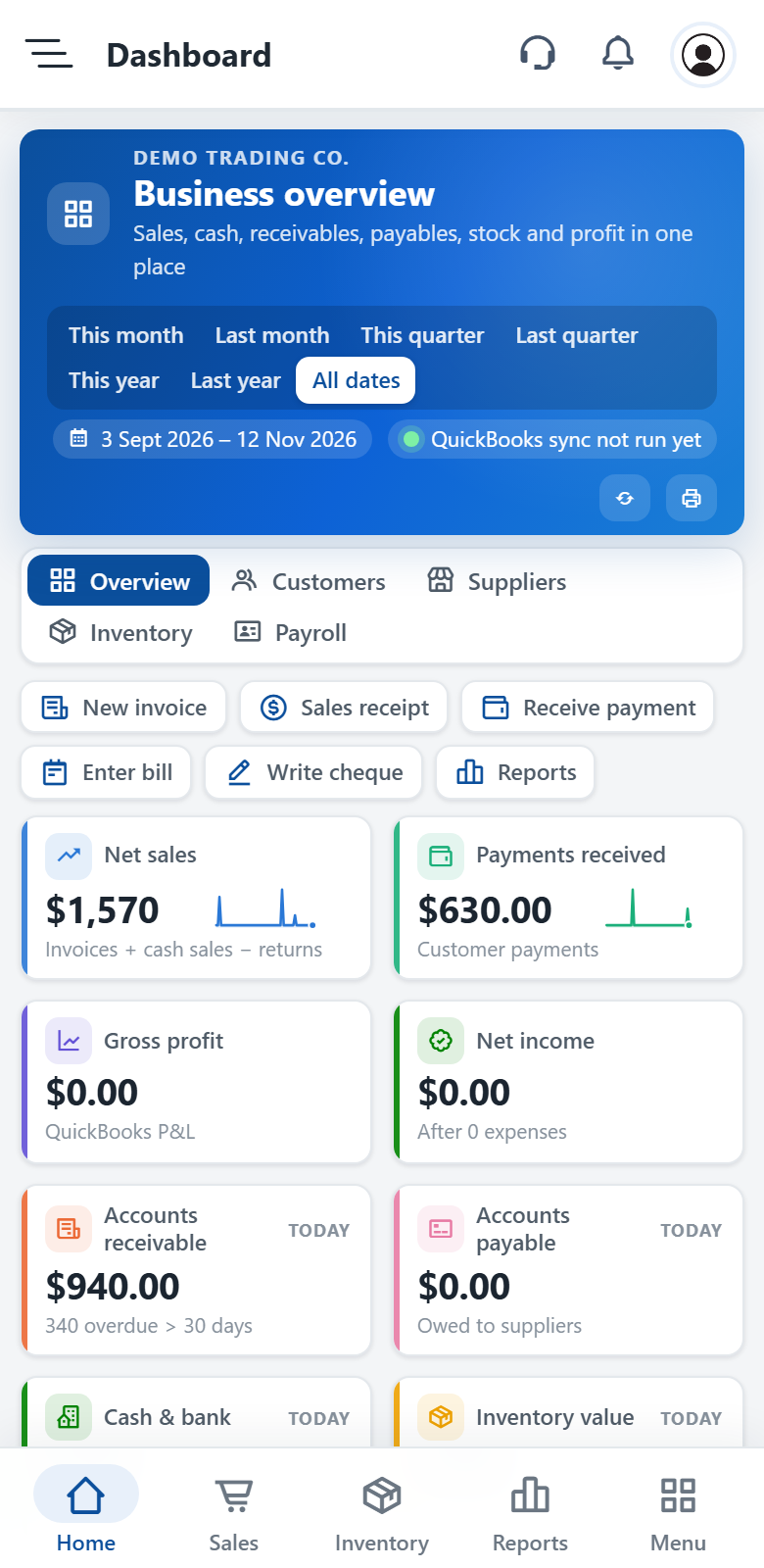
Real screens from a demo company. Every list, balance and quantity comes from the QuickBooks company file.


A small Windows app, Deskora, runs next to QuickBooks on your own computer or server. It reads your company file and keeps the web in step, every minute. It only makes outgoing connections, so nothing has to be opened on your network.
Most companies see their first synced invoice within ten minutes of signing up.

Choose a plan and your address, like yourcompany.tenadd.com, and confirm your email. Your sign-in details arrive by email.

Download it from your company's Preferences, install it on the QuickBooks computer and type the pairing code.

Customers, items, documents and reports come in from QuickBooks. Add users, give each a role, and start working.
The usual ways to give a team access to QuickBooks Desktop, side by side.
| QuickBooks on one office PC | Remote desktop hosting | Tenadd | |
|---|---|---|---|
| Work from any branch, any device | with a remote session | in the browser and on phones | |
| Keep your QuickBooks Desktop file and licence | file moves to the host | file stays on your computer | |
| Each person sees only their screens | QuickBooks roles | QuickBooks roles | per-screen access by role |
| Live dashboards for owners | sales, cash, stock, receivables | ||
| Documents on your letterhead, A4 or A5 | templates | templates | logo, address and VAT built in |
Pharmacies, shops, wholesalers and distributors with several sites and one QuickBooks company file.

Every counter sells, checks stock and takes payments.

Staff sell and look up prices, the books stay closed.

Orders on the road, shipping from the warehouse.

Thousands of items, stock by site.

Fast-moving stock and suppliers paid on time.

Invoices and expenses from several offices.
Add Tenadd to your phone's home screen and it opens like an app: today's sales, cash, what customers owe and what is in stock, with a tab bar for the screens you use most.


Yes. Tenadd works with your existing QuickBooks Desktop company file and an active licence for a supported version (today Desktop 2024 or Enterprise 24) and keeps it as the master. Your accountant keeps working in QuickBooks as before.
No. The Deskora connector runs next to QuickBooks and sends the data your team needs over an encrypted connection. The file itself stays where it is.
Yes. The connector always opens the company file in multi-user mode, also on Remote Desktop servers.
Only if you allow it. A new company is read-only. Writing back needs two keys: the setting in Preferences and the switch in the connector on your computer.
Sign-up takes a minute. Installing the connector and typing the pairing code takes a few more; lists and documents start arriving right away and reports follow within minutes.
Your QuickBooks file was never moved, so nothing is lost. On request we delete your web company and all its data.

Plans from $29.00 a month after the free trial.