
Sign in Start free trial
What QuickBooks Desktop users tell us

Eight problems you know too well, and how we solve them

We read what QuickBooks Desktop users write on forums, in reviews and in accountants' guides. The same problems come back again and again. Here they are, with what Tenadd does about each one.

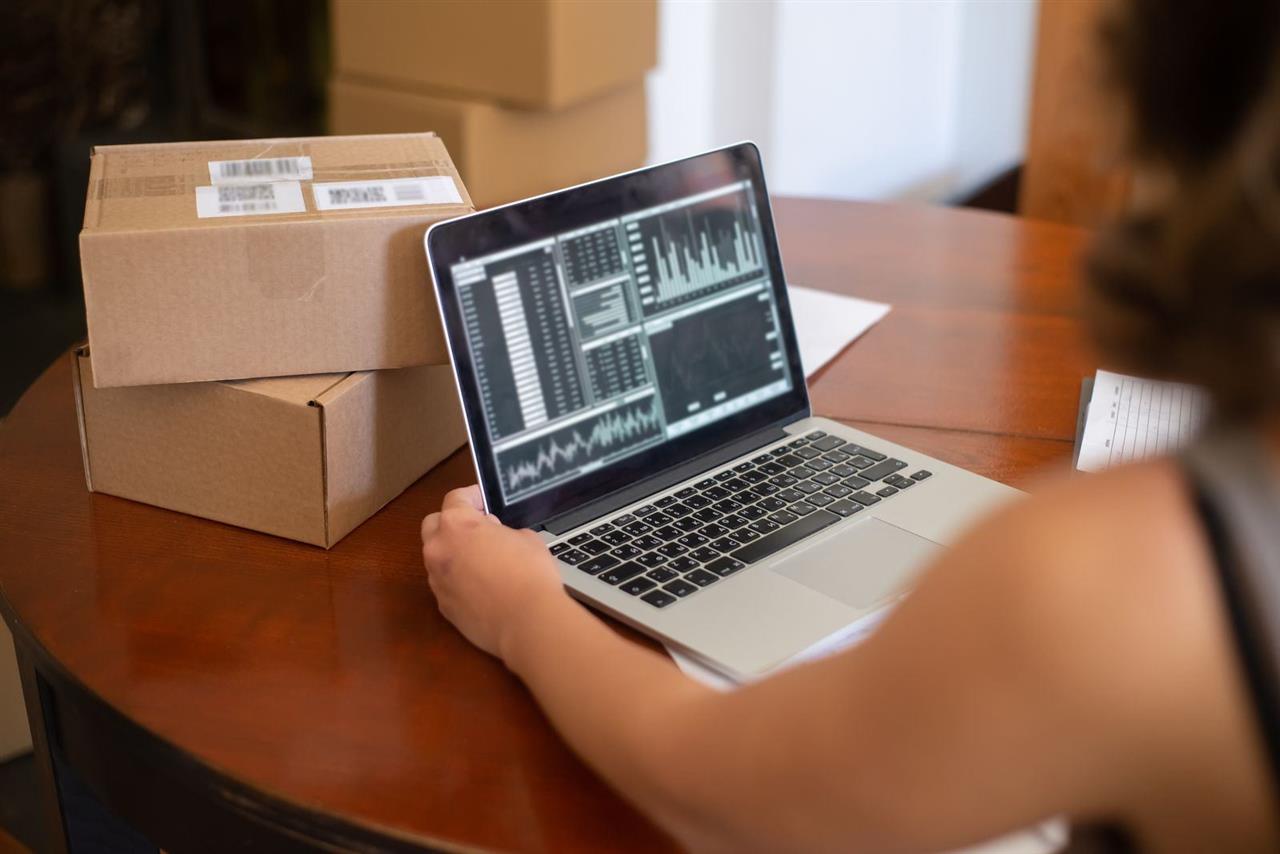
An owner reading QuickBooks reports
01

“Our QuickBooks lives on one office computer.”

The company file sits on a PC or server in the head office. Branches phone in, staff wait their turn, and the owner cannot see anything from home.

  • Opening a company file directly over a VPN is slow and not recommended.
  • The usual answer is paid hosting or remote-desktop software, one session at a time.
Every branch and every user works in the browser.
  • Sales, stock, banking and reports from any device
  • The Deskora connector runs next to QuickBooks and only makes outgoing connections
  • No hosting, no VPN, no port to open

02

“Multi-user mode keeps breaking.”

Someone opens the file, someone else gets an H202 or H505 error, and work stops while the network is checked again.

  • Multi-user errors such as H202, H505 and H101 are among the most common QuickBooks Desktop support topics.
  • Pro and Premier allow only a small number of people in the file at once.
Your team never opens the company file.
  • People work on the web; the connector alone talks to QuickBooks
  • The connector always opens the file in multi-user mode, so your QuickBooks users keep working
  • Documents wait safely if the QuickBooks computer is off, and go in when it is back
03

“Not everyone needs the whole accounting program.”

The cashier only sells, the store keeper only receives goods, the sales person only takes orders. A full accounting program is more than they need, and more than they should see.

  • Accounting software is built for accountants: chart of accounts, journals and reports on every screen.
Simple screens for each job.
  • Cashiers, store keepers and sales people use Tenadd screens made for their work
  • Your accountant keeps working in QuickBooks as before
  • One plan per company, monthly or yearly
04

“If we move, we lose our history.”

A new cloud system looks modern, but the move often means opening balances and a fresh start. Years of statements, trends and detail can stay behind.

  • Accounting firms report that migrations between systems commonly drop reconciliation history, saved custom reports, templates and attachments.
  • Detailed payroll history often arrives only as summaries or journal entries.
Nothing moves, so nothing is lost.
  • Every year stays in your QuickBooks company file
  • QuickBooks reports keep reading the whole file
  • Your backup is still your company file; stop any time
05

“Our sales people and owners are never at that computer.”

Orders are written on paper and typed in later. The owner calls the office to ask what was sold today and who still owes money.

  • QuickBooks Desktop has no built-in app for selling, stock lookups or dashboards on a phone.
The business in every pocket.
  • Quotations, orders, invoices and payments from a phone
  • Customer balance and stock before you promise anything
  • Opens like an app on Android and iPhone
06

“We have several stores and nobody knows what is in stock.”

Each branch keeps its own notes, transfers are agreed by phone, and the head office finds the difference at stock count.

  • In QuickBooks Desktop, multi-site inventory is part of Advanced Inventory in the Enterprise edition.
Stock you can check from the shop floor.
  • Quantity on hand and stock status from QuickBooks
  • Transfers, adjustments and item receipts on the web
  • Inventory valuation and stock reports any time
07

“I can't give staff access without showing them everything.”

The cashier should sell, not see the profit and loss. The store keeper should receive goods, not change prices.

  • Pro and Premier group permissions into a handful of broad areas; finer roles need Enterprise.
Each role sees only its own screens.
  • Roles such as cashier, store keeper and branch manager
  • Every screen and action checked on the server, not just hidden in a menu
  • Writing to QuickBooks needs two keys, on the web and on the QuickBooks computer
08

“I wait for someone to run the reports.”

The numbers exist, but only the person at the QuickBooks computer can print them, usually at the end of the month.

  • Desktop reports are run by hand on the computer that has QuickBooks.
Live dashboards for owners.
  • Sales, cash, receivables, payables and stock at a glance
  • Profit & loss, balance sheet and aging from QuickBooks, refreshed through the day
  • Print or export any report
In one sentence

Keep the QuickBooks you trust. Give your team the web.

No migration, no lost history, no new accounting system to learn. Your company file stays the master, and Tenadd adds what Desktop never had.

Start your free trial Compare the options
Sources for the facts on this page

QuickBooks® is a registered trademark of Intuit Inc. Tenadd is an independent product; it is not affiliated with, endorsed, sponsored or approved by Intuit Inc. Facts summarised from public sources in 2026; features differ by edition and may change.