Sign in Start free trial
Features

Everything your team does in QuickBooks, on the web

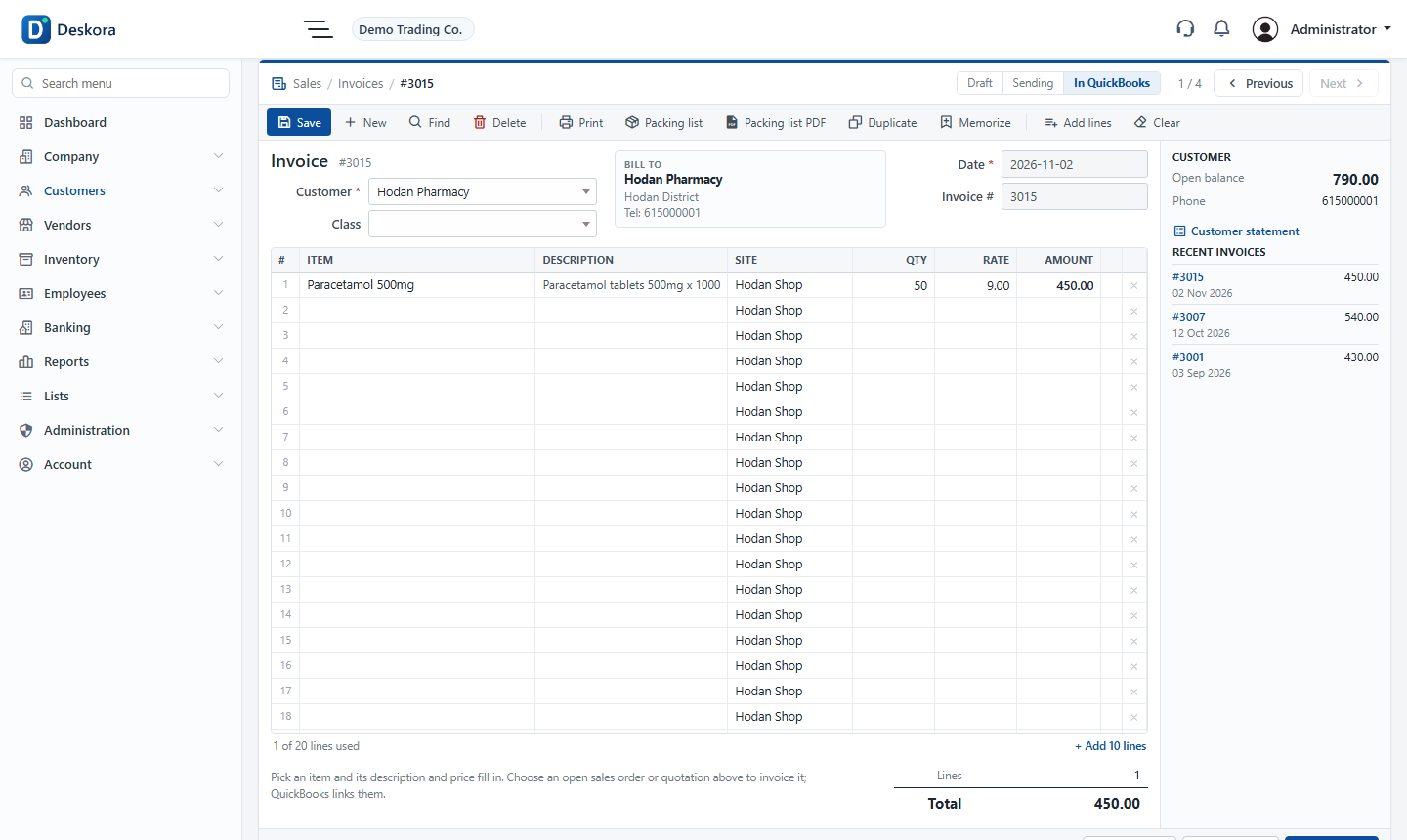
Tenadd follows QuickBooks Desktop screen by screen, so the work your people already know moves to the browser without retraining.
Start free trialTake the tour
yourcompany.tenadd.com
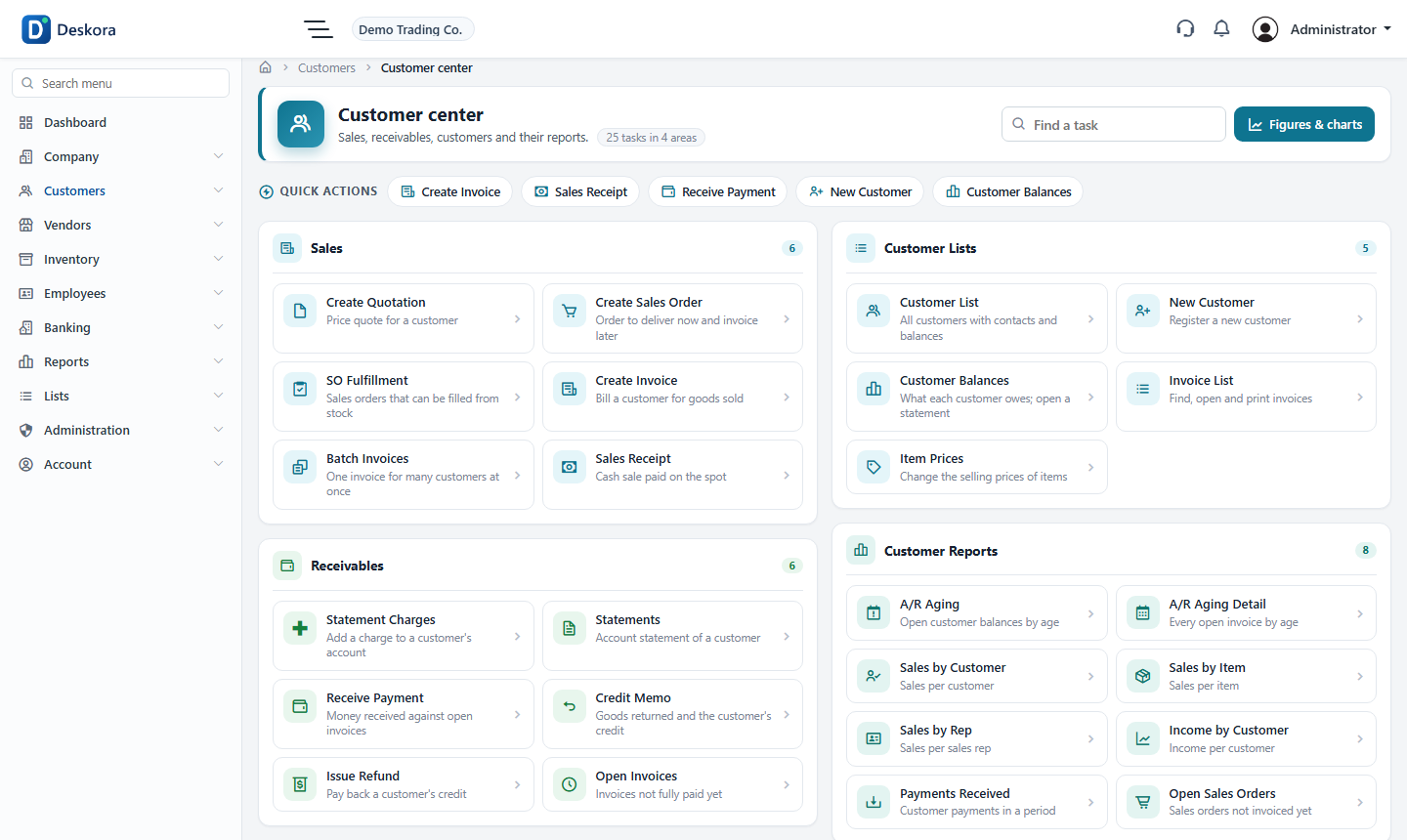
Customer center
Sales & customers

Sales & customers

From the first quote to the payment.

  • Quotations and sales orders
  • Invoices, sales receipts and sales returns
  • Receive payments and apply credits
  • Customer statements and aging
  • Customer dashboard with balances
  • Delivery notes on your letterhead
Purchases & vendors

Purchases & vendors

Know what you owe and to whom.

  • Purchase orders
  • Item receipts and bills
  • Pay bills by cheque
  • Vendor credits
  • Supplier statements and aging
  • Supplier dashboard
Inventory

Inventory

Stock you can trust, by site.

  • Quantity on hand by site and branch
  • Transfers between sites
  • Inventory adjustments
  • Assemblies and builds
  • Stock status and valuation
  • Item prices and price levels
Banking

Banking

Money in and out, checked against QuickBooks.
  • Write cheques
  • Make deposits
  • Transfer funds between accounts
  • Credit-card charges and refunds
  • Bank statements
  • General journal entries
Dashboards & reports

Dashboards & reports

Answers, not spreadsheets.

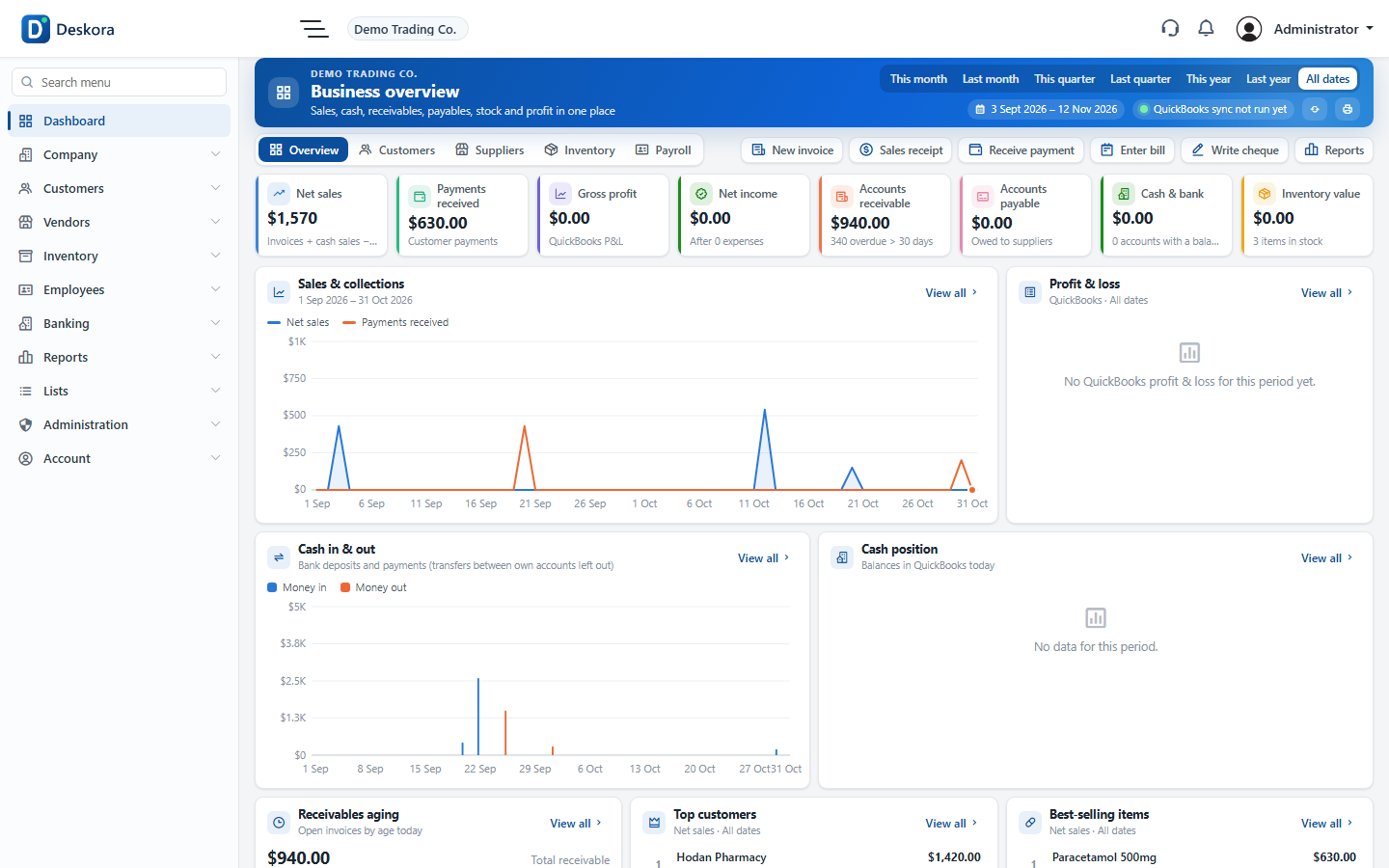
  • Sales, stock, customer and supplier dashboards
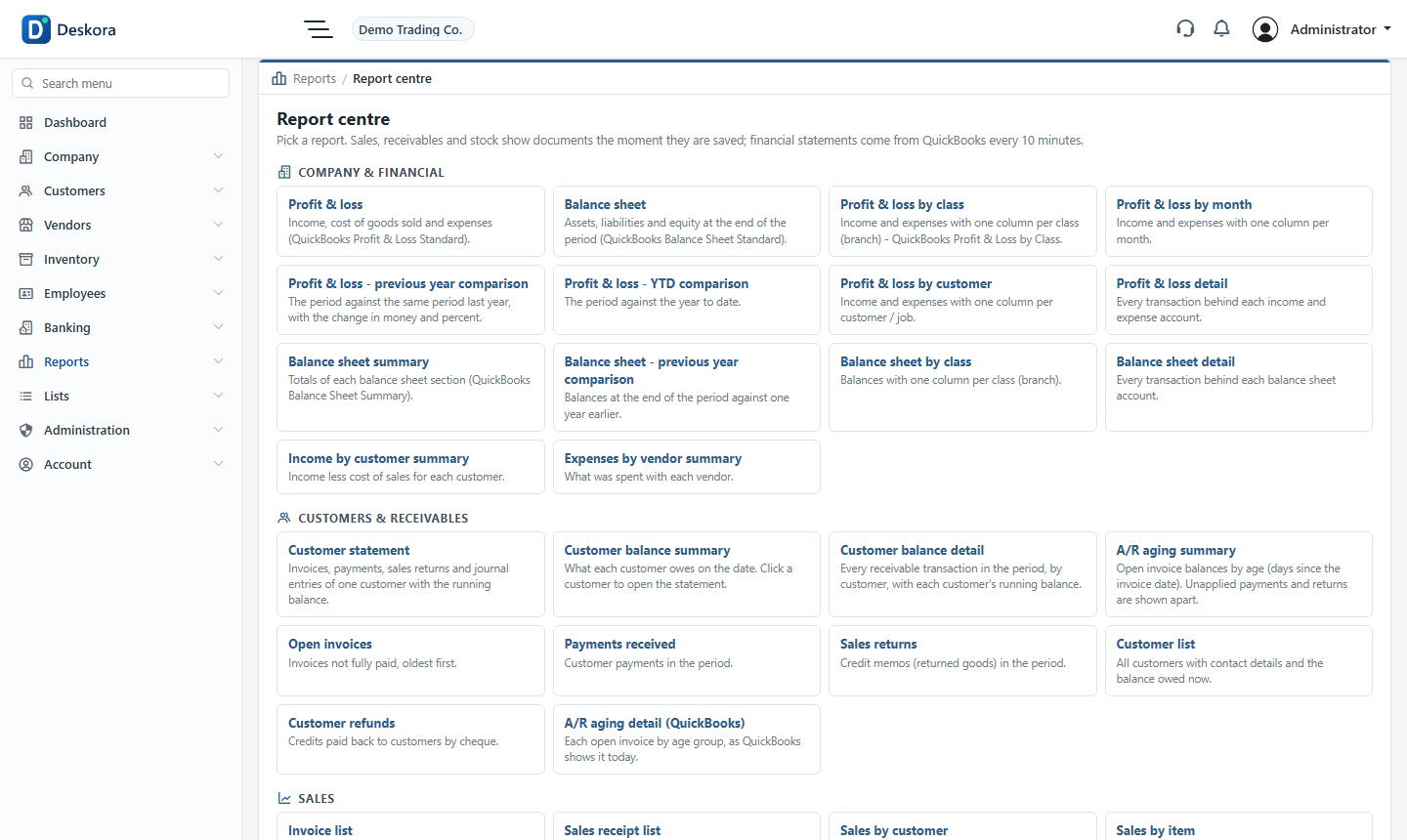
  • Profit & loss, balance sheet, trial balance
  • Income by customer, expenses by vendor
  • AR / AP aging summary and detail
  • Inventory valuation and stock status
  • Print or export every report
People, roles & payroll

People, roles & payroll

The right screens for each person.

  • Users with roles (cashier, store, manager...)
  • Per-screen access for every role
  • Departments
  • Employees and pay runs
  • Payslips
  • One active session per user
Documents & printing

Documents & printing

Your brand on every page.

  • Your logo, address and VAT
  • A4 and A5 layouts
  • Amount in words, signature lines
  • Memorized (recurring) transactions
  • Batches of invoices
  • Duplicate warnings before saving
The Deskora connector

The Deskora connector

QuickBooks Desktop and the web, in step.

  • Installs on the QuickBooks computer
  • Pairs with a one-time code
  • Multi-user: other users keep working
  • Sync every minute, reports every 10 minutes
  • Read-only unless you turn writing on (two keys)
  • Status in Preferences > QuickBooks

See it with your own company file.

Start the trial, install Deskora and your data comes in within minutes.

Start free trial